Using OnRamp with non-English-speaking customers
Last updated: April 20, 2026
OnRamp does not currently have built-in translation capabilities or non-English language UIs. However, you can still effectively serve customers in their preferred language using browser translation features.
Browser Translation Support
Chrome and other modern browsers (Edge, Safari, Firefox) provide built-in translation capabilities that work well with OnRamp. The browser will automatically translate most text elements in the platform into the customer's preferred language, including:
Dashboard content and navigation
Task descriptions and instructions
Form fields and buttons
Project information and status updates
How to Translate a Page in Chrome
Customers can translate any OnRamp page into their preferred language directly from Chrome:
Automatic prompt: When Chrome detects a page in a language different from the browser's default, a translation prompt typically appears in the address bar. Select the target language to translate the page.
Manual translation: Right-click anywhere on the page and select "Translate to [language]". To choose a different target language, click the three-dot menu in the translation bar and select "Choose another language".
Set a default: Customers who always want pages translated into a specific language can go to Chrome Settings → Languages, add their preferred language, and enable "Offer to translate pages in this language."
Similar options are available in other major browsers — the exact steps vary, but each offers right-click translation and a language preference setting.
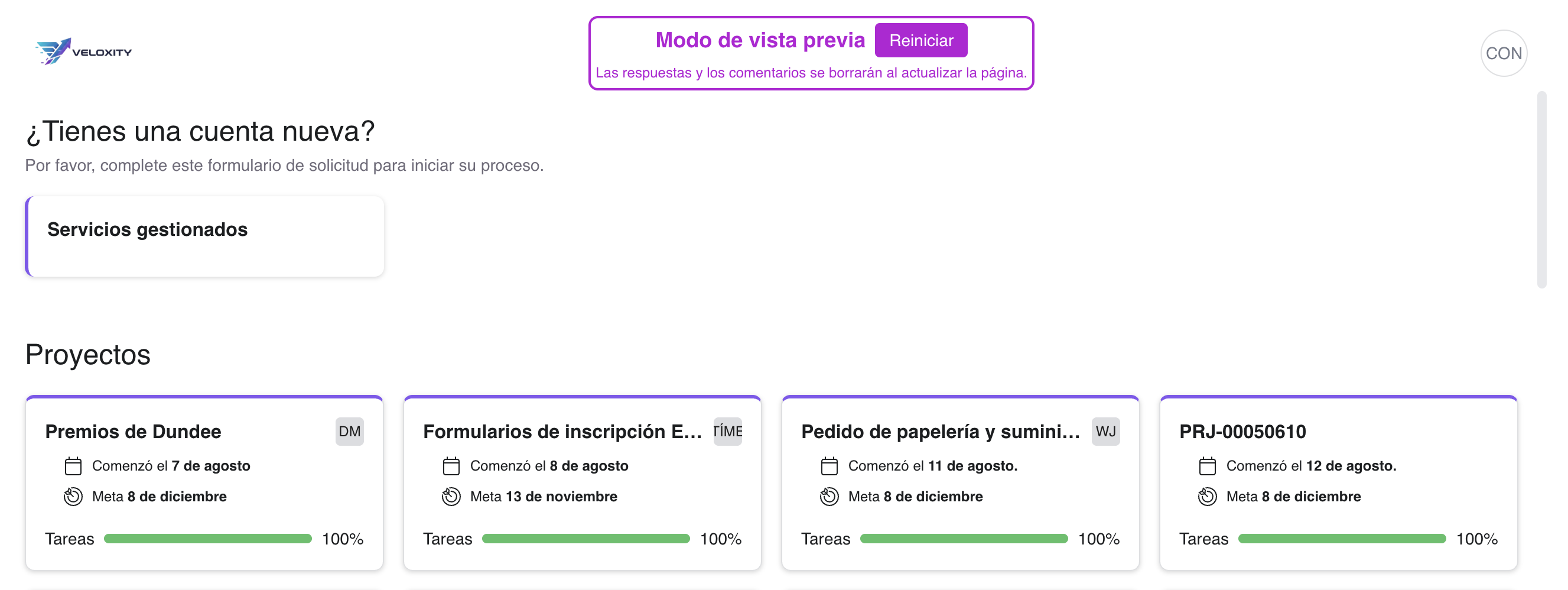
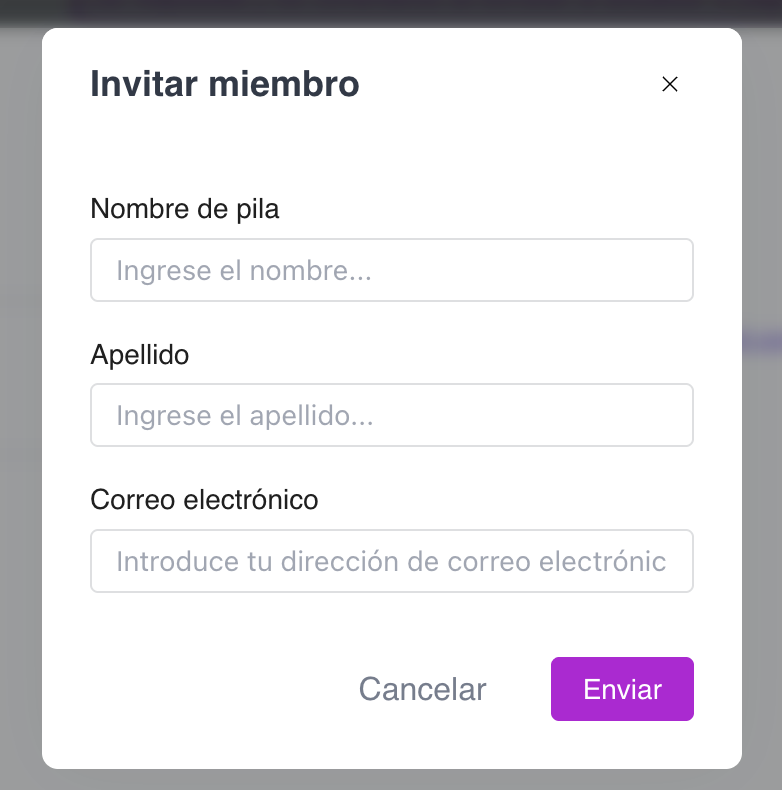
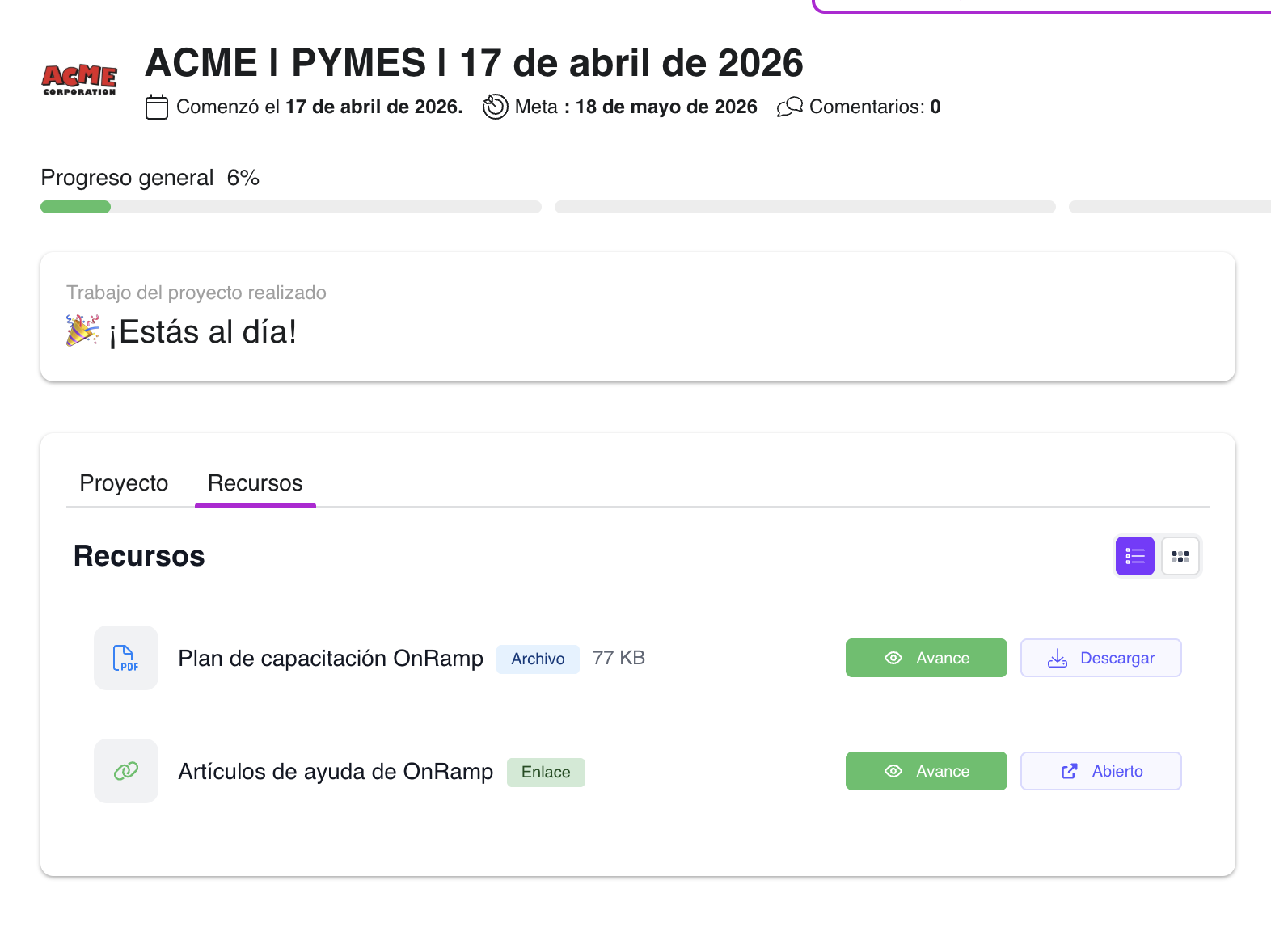
Below are examples of how OnRamp appears once Chrome translation is applied (Spanish shown for illustration — the same behavior applies to French, German, Portuguese, Japanese, and any other supported language):
Important Limitations
Images and videos will not be translated by browser translation tools. Any text embedded within images, video thumbnails, or video content will remain in the original language regardless of the target language selected. Before relying on browser translation for non-English-speaking customers, review your playbooks to identify any critical information contained in images or videos that may need to be addressed separately — for example, by adding translated captions in the task description or providing a translated companion resource.
Best Practices
Avoid creating duplicate playbooks in other languages. Building tasks directly in a second language while keeping the UI in English creates a confusing mixed-language experience and requires maintaining separate versions of the same content. Instead, rely on browser translation for a consistent experience across the entire platform — the customer sees one cohesive language regardless of where they are in OnRamp.
Customers can enable translation at any time by using their browser's built-in translation feature or by setting their preferred language in the browser's language settings.